
Defrag and Chill
Watch old disk maps put themselves in order.
Defrag and Chill recreates two familiar disk utilities in the browser. Start, pause, and watch a simulated drive reorganize itself.
Live browser experience. Web browser.
Run Defrag and Chill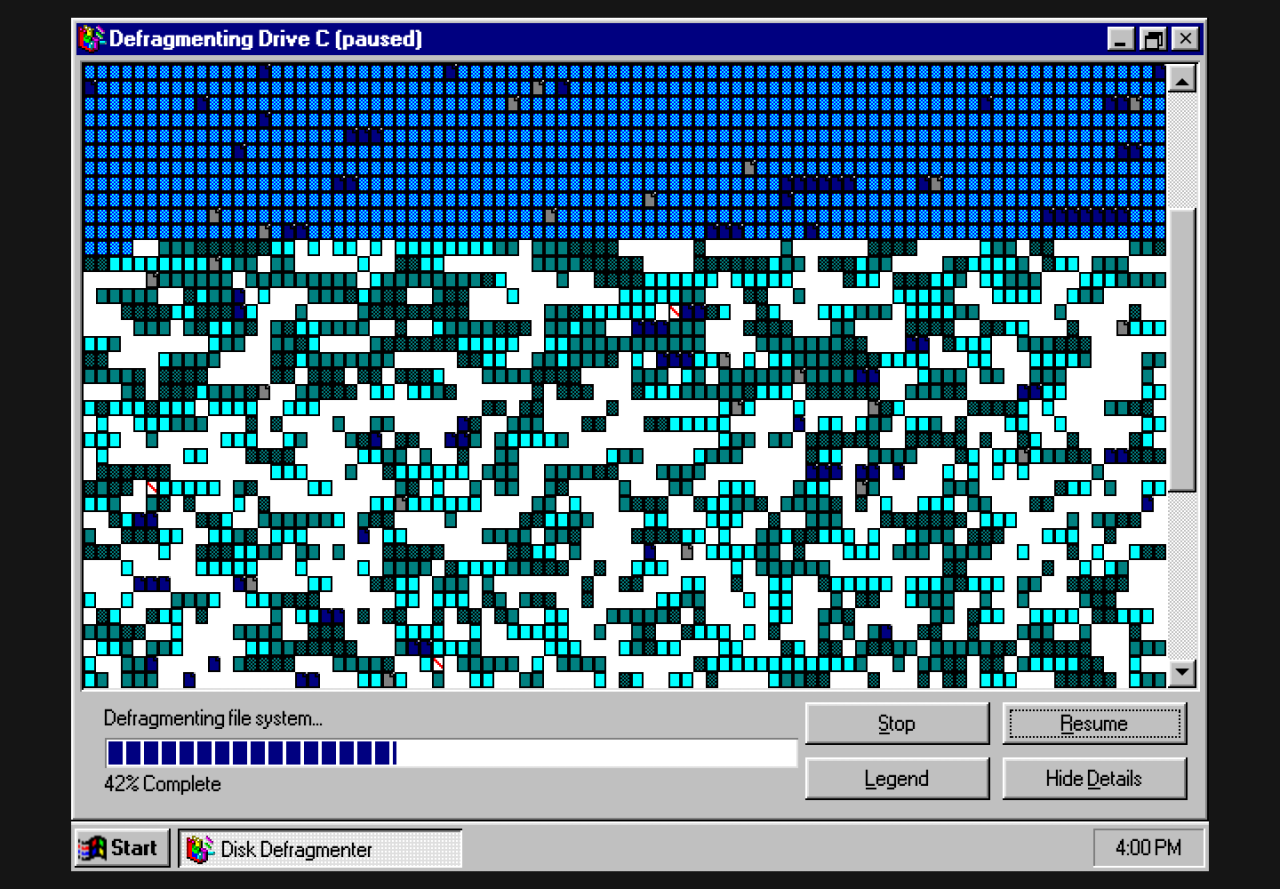
Windows 95 by default, MS-DOS on demand.
The default experience is Windows 95 Disk Defragmenter. You can find the DOS DEFRAG shortcut on the desktop to take you to the DOS version.
Crank that volume to hear the soothing symphony of mechanical drive sounds as defrag works its magic.
Open the MS-DOS version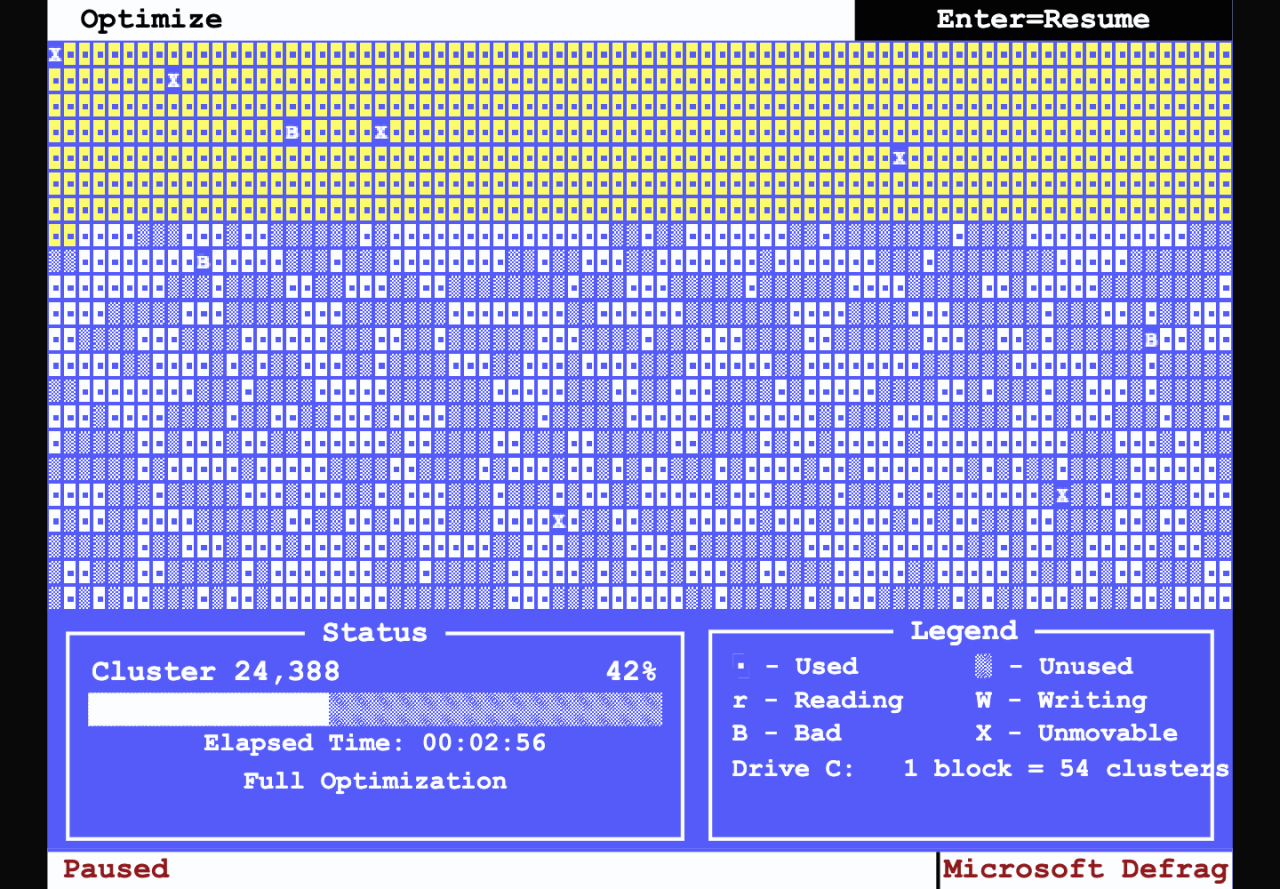
Watch and hear those clusters move!
Defrag and Chill runs a deterministic drive model in memory. Used clusters move into earlier gaps while bad and unmovable clusters stay fixed. Complete with defragmentation method options!
This is an independent browser recreation. No, it doesn't actually do anything.
An actual simulation with random fragmentation.
Start, pause, resume, stop, change views, and listen to sampled mechanical drive sounds. Touch and keyboard controls. Now you can Defrag and Chill from the comfort of your office desk.
Run Defrag and Chill.
Live browser experience. Web browser.